Scheduled publishing
Combined with the draft/published system, you can schedule future publications or unpublications.
You can access this feature using the calendar icon in the dropdown menu for the "Publish" button:
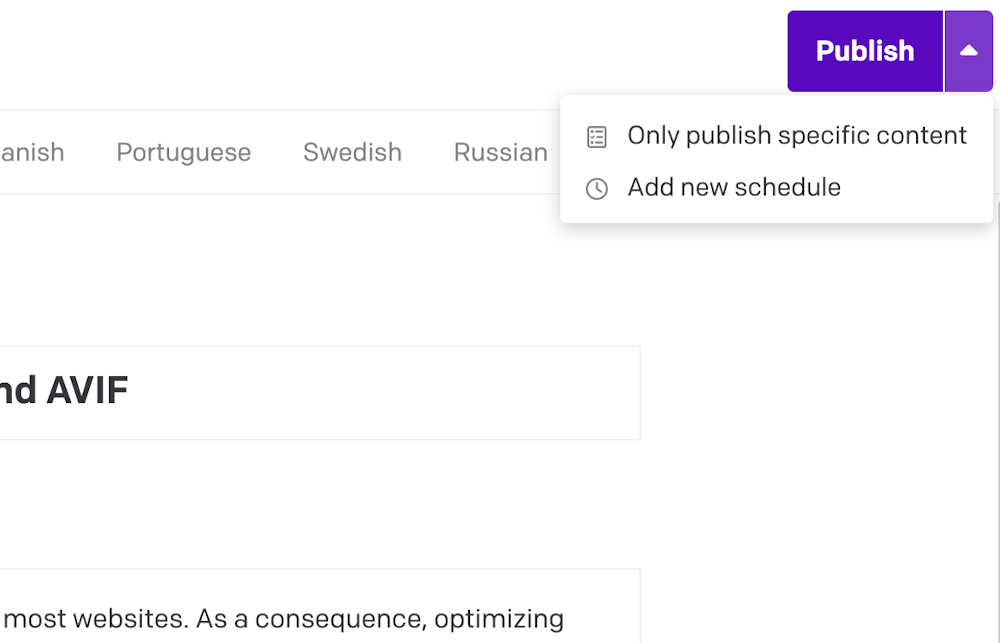
This will automatically change the state of your record on the specified date.
Linked records and scheduled publishing
When you schedule a record for publishing, and it has links to other records, those linked records must also be published at the scheduled time. You can either do this manually (publishing the linked-to records beforehand), or have our system try to automatically publish all the linked-to records at the scheduled time.
To learn more, please see: Draft/published system: Linked records must be published together
Scheduling build triggers after publications/unpublications
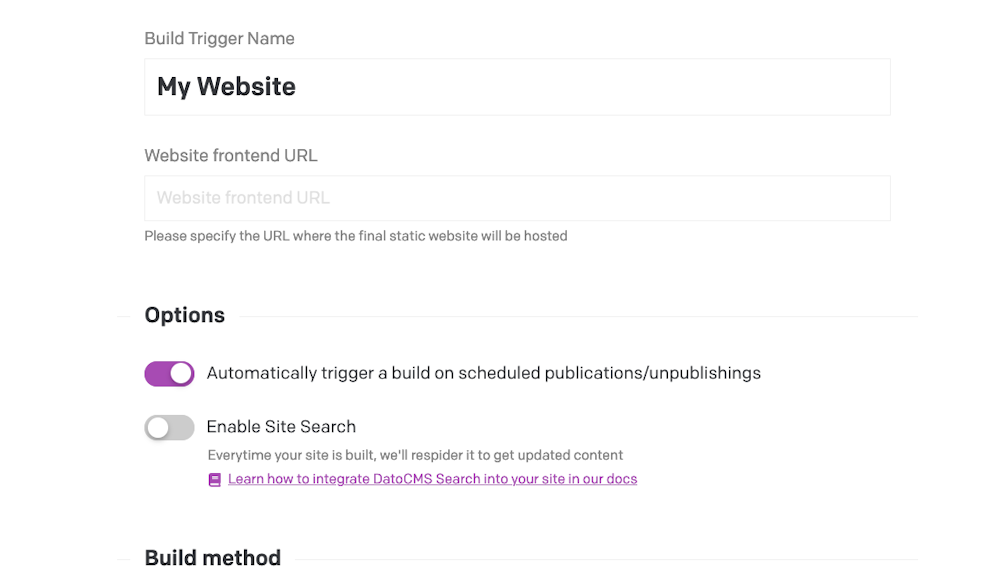
If you are using build triggers, you can set them to automatically trigger a build when the scheduled publication/unpublication is done.
You can find this setting in the build trigger settings: