AI Asset Source DatoCMS Official Plugin
Generate images with configured providers and insert them directly inside your DatoCMS project
AI Asset Source
An asset source that generates images with OpenAI or Google models and adds the ones you pick to your DatoCMS Media Area.
Setup
You need API access from OpenAI or Google. A ChatGPT or Gemini subscription isn't enough: you need an API key. Some models, such as gpt-image-2, also ask for a one-time ID verification on the provider's side.
Install the plugin, open its configuration screen and choose a provider, paste your API key and pick a model. The model list is loaded from the provider's catalog. For OpenAI models that support it, you can also set quality, output format and compression. Retired DALL·E and Imagen models can't be used.
The key is stored in the plugin settings, and requests go straight from the editor's browser to the provider.
Usage
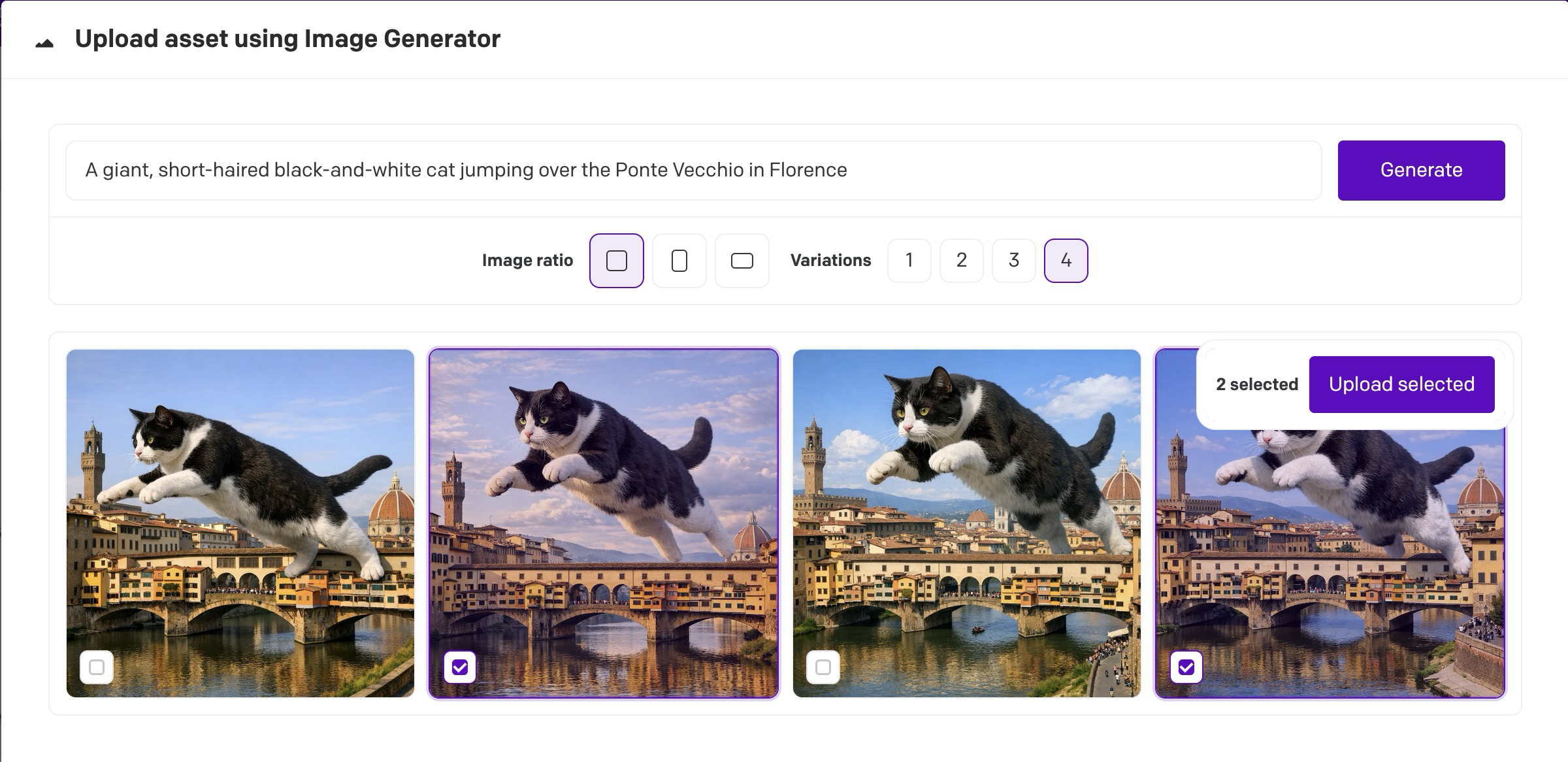
In the Media Area, click the arrow next to + Upload new assets and choose the AI asset source. Write a prompt, pick the image ratio and how many variations you want (up to four with OpenAI, one with Google), and generate.
Generation can take a few minutes and gives up after 10. When the thumbnails appear, select the ones you want to upload, or change the prompt and try again.
The plugin only works from that dropdown in the Media Area. It doesn't add anything to the upload sidebar.
Costs
Each generation is billed by the provider to your API account, at a price that depends on the model, quality, size and number of images. Cancelling, closing the source or hitting the timeout only stops the plugin from waiting: the provider may still finish the job and charge for it, so check your provider usage before retrying.
Development
npm installnpm run devnpm run check