Geographic Area
This DatoCMS plugin includes 2 fields for selecting a continent and one or more countries of the selected continent.
This is a Community Plugin!
Learn how create your own plugin, or copy and remix existing ones in our documentation
DatoCMS Plugin Geographic Area
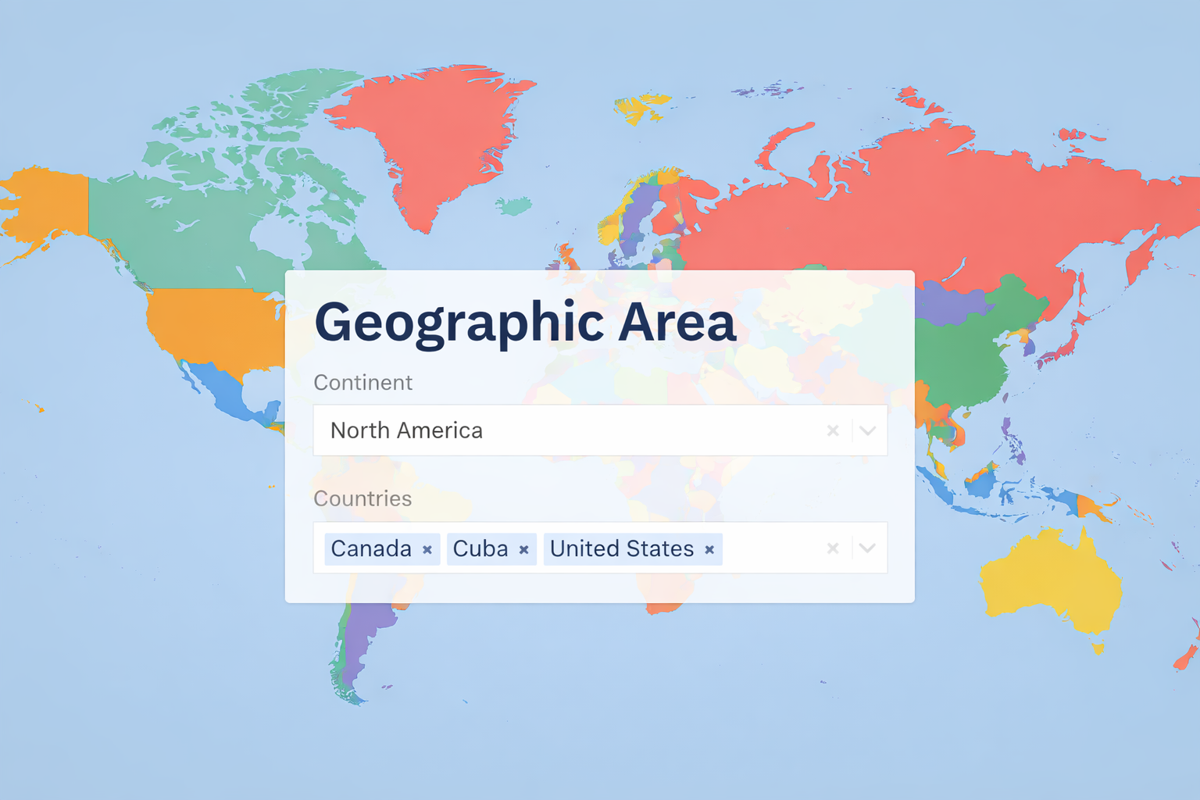
This DatoCMS plugin includes a FieldExtension applicable to a JSON field: it will display 2 fields for selecting a continent and one or more countries of the selected continent. Optionally it's possible to display only the countries selector, just activate the switch.
Instructions
After installing the plugin, you'll need to add a new JSON field type to a block or model, go to the Presentation tab, and select "Geographic Area" for the Field editor.
Usage
The data structure will be a stringified JSON object with the following structure:
{ "continent": "north-america", "countries": ["canada", "cuba"]}Note: if the flag to display only the countries is on, then the continent value will be null, i.g.:
{ "continent": null, "countries": ["canada", "cuba"]}Developed with love by goodbase